1080p LCD Projector + 120-Inch Screen: Easy Setup
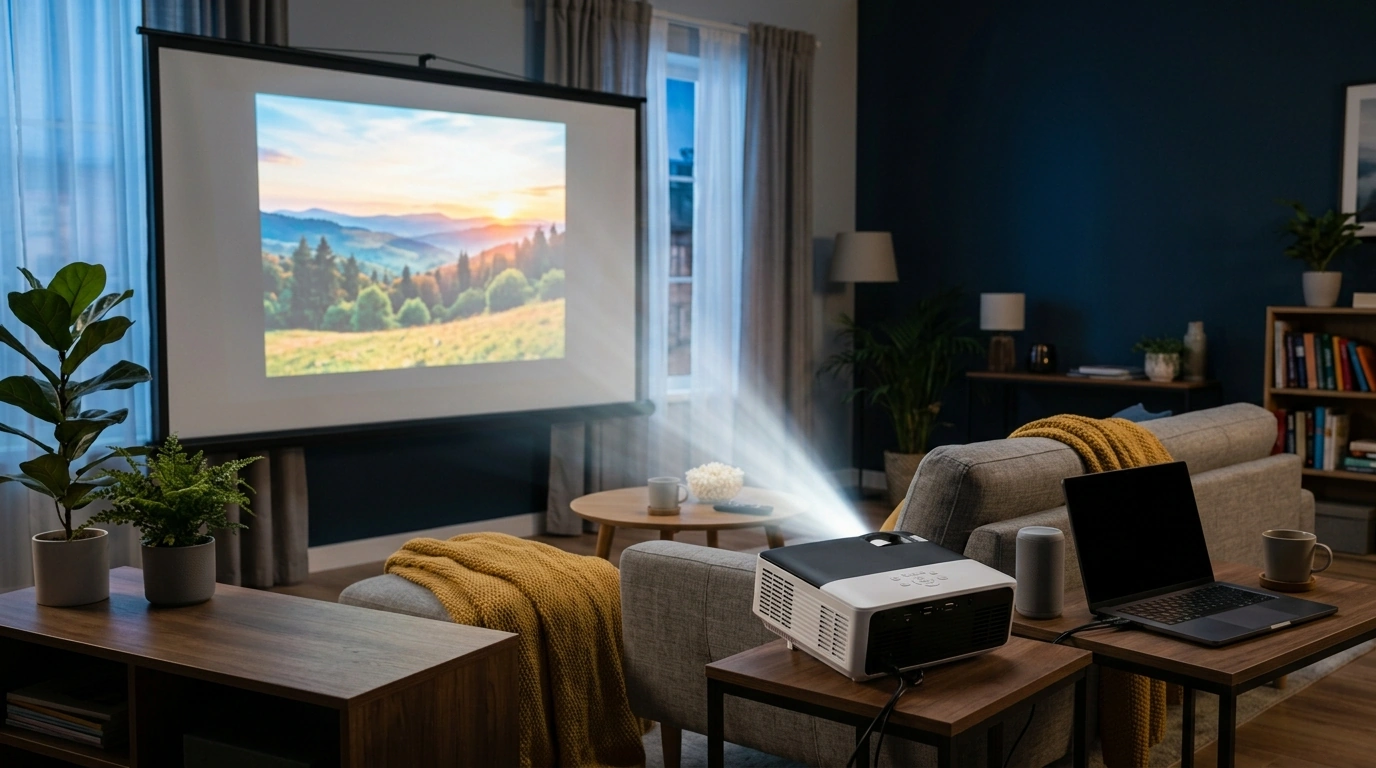
1080P LCD Home Projector + 120″ Screen: A Simple Big-Screen Upgrade for Any Room
A living-room-friendly projector setup should be quick to place, easy to connect, and comfortable to watch. The 1080P LCD Home Projector with 120″ Screen, WiFi 5G, Bluetooth, Auto Keystone is built around that idea: a ready-to-go screen in the box, fast wireless options for streaming and audio, and auto keystone to help square the picture when your furniture layout won’t cooperate.
What Comes in the Setup
This bundle is designed to reduce “what else do I need?” decisions, especially for first-time projector owners or anyone adding a second screen for casual movie nights.
- 1080P LCD projector intended for home viewing, casual gaming, and backyard movie nights.
- 120″ projection screen included to simplify first-time setup and avoid extra purchases.
- Wireless connectivity to reduce cable clutter, with common wired inputs still available for consoles and laptops.
- Auto keystone designed to correct trapezoid distortion when the projector can’t be perfectly centered.
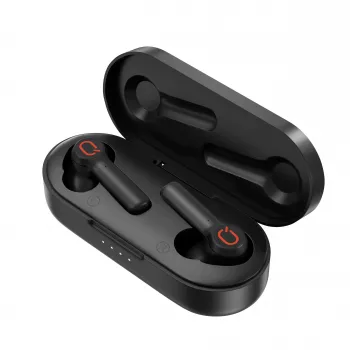
If you want an even cleaner living-room look, pairing the projector with compact audio can help reduce the need for long speaker cables. For quiet viewing or shared spaces, consider Wireless Earbuds TWS Bluetooth 5.3 – Low Latency, HiFi Sound, Waterproof as a simple add-on.
Picture Quality and Viewing Comfort
For everyday entertainment, 1080P-class projection hits a sweet spot: detailed enough for subtitles, scoreboards, and menus, while still being easy to drive from streaming sticks, laptops, and consoles.
- Text readability and detail: Native 1080P-class viewing is well-suited for movies, shows, sports, and slide decks where sharpness matters.
- Color character: LCD projection typically leans toward bright color and consistent saturation—great for animation, casual TV, and family viewing.
- Geometry assistance: Auto keystone helps keep subtitles and UI elements aligned when the unit is placed off-axis.
- Room realism: Best results come from controlling ambient light and matching screen size to the room distance.
Practical expectations for common use cases
| Use case | What to look for during setup | Why it matters |
|---|---|---|
| Movies & series | Center the image; use keystone only as needed | More geometry correction can slightly reduce edge sharpness |
| Sports | Increase image size moderately; reduce room glare | Motion looks cleaner when the picture isn’t washed out |
| Kids’ room / cartoons | Use the included screen; keep volume moderate | Consistent color and easy placement are priorities |
| Presentations | Keep the image smaller for sharper text | Smaller images often look crisper in brighter rooms |
WiFi 5G and Wireless Streaming
When a projector supports 5 GHz WiFi, streaming can feel more stable—particularly in apartments or neighborhoods where 2.4 GHz networks overlap and compete.
- 5 GHz advantages: 5G WiFi (5 GHz) can offer steadier bandwidth than 2.4 GHz in crowded areas, depending on router distance and walls.
- Reliable casting habits: Wireless casting is most reliable when your phone/streaming device and projector share the same network and your router firmware is current.
- Lower delay option: For the lowest latency (especially for gaming), a wired connection is typically more consistent than casting.
- Streaming sticks still matter: If you use apps through an external stick, stable WiFi helps reduce buffering and keeps navigation responsive.
For reference on Wi‑Fi 5 (802.11ac) and what it’s designed to deliver, the Wi‑Fi Alliance provides a helpful overview: Wi‑Fi Certified ac (Wi‑Fi 5).
Bluetooth Audio and Sound Options
Projectors are often placed farther from viewers than a TV, so audio benefits quickly become obvious. Bluetooth gives you flexible ways to place sound where it’s needed—near the couch, not near the screen.
- Easy pairing: Bluetooth supports pairing with speakers, soundbars, or headphones to improve presence compared to small built-in speakers.
- Clearer dialogue: For movie nights, a Bluetooth speaker placed near viewers can improve clarity and perceived loudness.
- Lip-sync awareness: If delay occurs, switching to wired audio (or adjusting delay settings on your speaker) can help.
- Quiet viewing: Compact low-latency earbuds can be ideal for late-night sessions without disturbing others.
If you’re curious how Bluetooth compatibility is standardized across devices, the official overview is here: Bluetooth Core Specification (Overview).
Auto Keystone and Placement Tips
Auto keystone is a time-saver when the projector can’t be perfectly centered—like when the coffee table sits slightly left of the screen, or when you’re projecting outdoors on a temporary setup.
Fast placement checklist
| Step | Action | Result |
|---|---|---|
| 1 | Place projector facing the screen; level it as much as possible | Less keystone correction needed |
| 2 | Set distance for the desired size; start smaller in brighter rooms | Better perceived contrast |
| 3 | Run auto keystone; fine-tune focus after | Cleaner edges and readable text |
| 4 | Pair a Bluetooth speaker (optional) or connect an audio cable | Stronger, clearer sound |
Wired Connections for Consoles and Streaming Devices
For deeper compatibility details, consult the official standard: HDMI Specification Overview.
Care, Maintenance, and Everyday Use
FAQ
Does 5G WiFi mean it works on cellular 5G?
No. In this context, “5G” refers to the 5 GHz WiFi band from a router (Wi‑Fi), not cellular 5G service. Compatibility depends on your home network setup and whether your router broadcasts a 5 GHz network.
Will Bluetooth speakers work without audio delay?
It depends on the speaker and the Bluetooth codec, and some setups can introduce noticeable lip-sync delay. If delay is distracting, try a low-latency Bluetooth device, adjust audio delay settings, or switch to a wired audio connection.
Does auto keystone reduce image quality?
Keystone correction is a digital adjustment and can slightly soften the image, especially at the edges. For the sharpest results, align the projector physically as closely as possible and use minimal keystone as a finishing step.













Leave a comment